
What Is WordPress Multisite?
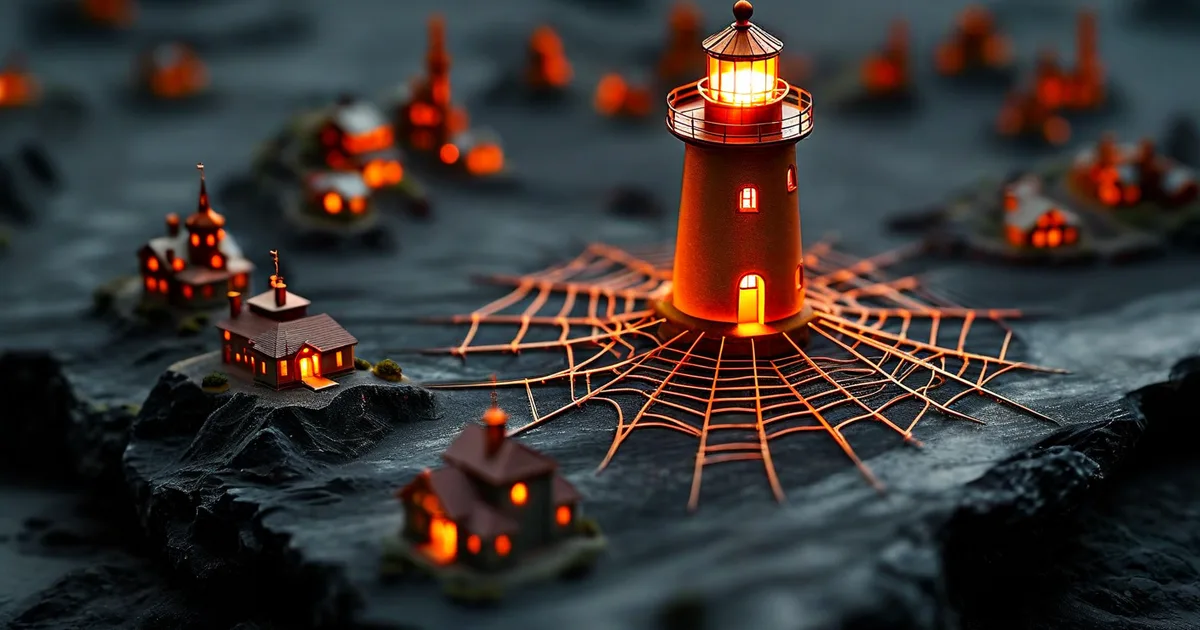
WordPress Multisite is a built-in feature that lets you create and manage a network of websites from a single WordPress installation. Instead of maintaining 15 separate dashboards, databases, and update cycles, you control everything from one super-admin panel.
Originally launched as “WordPress MU” in 2010, it was merged into WordPress core at version 3.0. Today, major organizations — including The New York Times, dozens of universities, and government agencies — rely on it to power hundreds of sites simultaneously.
When Does Multisite Make Sense?
Multisite is not for everyone. It fits specific scenarios particularly well:
- Franchise or chain businesses — 20 restaurant locations, each with a localized site sharing the same theme.
- Universities and schools — a main campus site plus individual department or faculty pages.
- Web agencies managing 10+ client sites on a standardized stack.
- Multilingual networks — one site per language, sharing media and user accounts.
If your sites share almost nothing in common — different themes, different plugins, different audiences — separate installs are usually the better choice.
Setting Up a WordPress Multisite Network
Prerequisites
Before you begin, make sure you have:
- A clean WordPress installation (no conflicts with existing permalinks)
- Access to
wp-config.phpand.htaccess - A reliable hosting environment — shared hosting rarely handles Multisite well
Step-by-Step Activation
- Add the following line to
wp-config.php, above the “That’s all” comment:
define('WP_ALLOW_MULTISITE', true);- Go to Tools → Network Setup in your dashboard.
- Choose between sub-domains (
site2.example.com) or sub-directories (example.com/site2). - Copy the generated code snippets into
wp-config.phpand.htaccess. - Log back in — you now have a Network Admin panel.
The entire process takes under 15 minutes on a well-prepared server.
Key Benefits of Multisite
| Benefit | Impact |
|---|---|
| Single update cycle | Update WordPress core once for all 50 sites |
| Centralized user management | One account, multiple roles across sites |
| Shared plugins & themes | Install once, activate per site |
| Lower hosting costs | One database server instead of many |
Organizations that switch from separate installs to Multisite often report a 30–40% reduction in maintenance time, especially when managing more than 10 sites.
Common Challenges and How to Handle Them
Plugin Compatibility
Not all plugins are Multisite-compatible. Around 15–20% of popular plugins require workarounds or alternatives. Always test in a staging environment before network-activating a plugin.
Performance at Scale
Beyond 50 sites, shared database tables can become a bottleneck. Solutions include:
- Object caching with Redis or Memcached
- Hosting on scalable infrastructure like AWS (EC2 + RDS + CloudFront)
- Using a CDN for static assets
At Lueur Externe, we architect Multisite networks on AWS with auto-scaling, ensuring consistent performance whether the network hosts 5 or 500 sites.
Security Considerations
A vulnerability in one plugin can affect every site on the network. That is why:
- Only the super admin should install or update plugins.
- Each site admin should have limited permissions.
- Regular security audits are non-negotiable.
Best Practices for Long-Term Success
- Use a child theme shared across the network with per-site customization via the Customizer.
- Automate backups at the network level — tools like UpdraftPlus Premium support Multisite.
- Monitor uptime per sub-site, not just the main domain.
- Document your network architecture so any developer can onboard quickly.
Conclusion
WordPress Multisite is a powerful tool when used in the right context. It dramatically reduces maintenance overhead, centralizes management, and scales well — provided the underlying infrastructure and plugin strategy are solid.
However, a poorly planned Multisite network can quickly become a liability. Getting the architecture right from day one saves countless hours down the road.
As a certified WordPress specialist and AWS Solutions Architect since 2003, Lueur Externe helps businesses design, deploy, and maintain robust Multisite networks tailored to their exact needs. Whether you are launching a new network or migrating existing sites, our team in the Alpes-Maritimes is ready to help.
Get in touch with Lueur Externe to discuss your WordPress Multisite project today.